•2 min read•Tutorial•

Create Look Inside book preview like Amazon in css3 and html5

Create inside look book preview like Amazon in css3 and html5

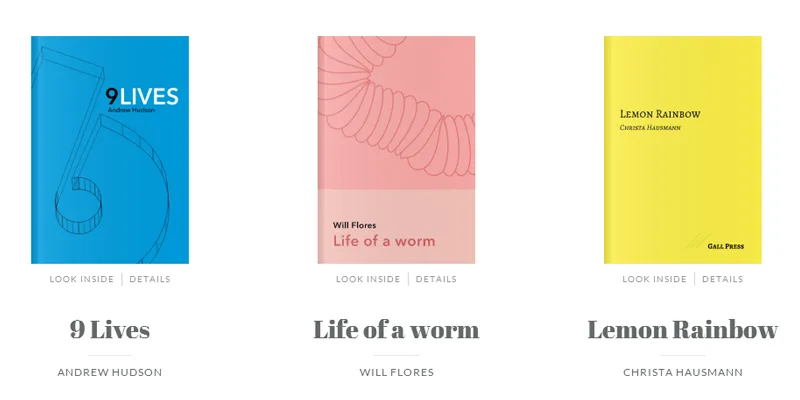
In digital age almost everyone buy or order books either paper pack or digital ebook from ecommerce websites i.e. Flipkart, Amazon, ebay etc. These books selling ecommerce websites offer preview of the book before reader finally purchase it, to do that they showcase preview with different layout, you also must have notice the amazon way of showcasing books preview called “Look Inside”. Similarly in the context of online book preview recently Codrops team has developed a “look inside” book preview feature in CSS3 and HTML5, this modern way of preview showcasing is mainly supported by modern web browser only but this is really beautiful way to preview the book online.

To create Look Inside book preview effect Codrops team is using the Book Block plugin as you can see in demo for details of the books they are using 3D effects, as you click on details the book thumbnail move to left and details of the book i.e. Author name, ISBN etc. slide in from right. Similarly as you click on “Look Inside” it open a full screen popup window to show you preview of the book in flip style, so you can turn the pages of book from left to right and right to left through navigation arrows very similar to Google Play ebook reading functionality.
Access TutorialDemoDownload

About the Author

Durgesh Gupta

Author

Content Writer at WebAnaya

Published: January 15, 2014Updated: November 12, 2026

Related Posts

How to Install Zpanel in Centos 6.4+ ?
July 4, 2015•Durgesh Gupta•Tutorial

How to Install Zpanel in Centos 6.4+ ?

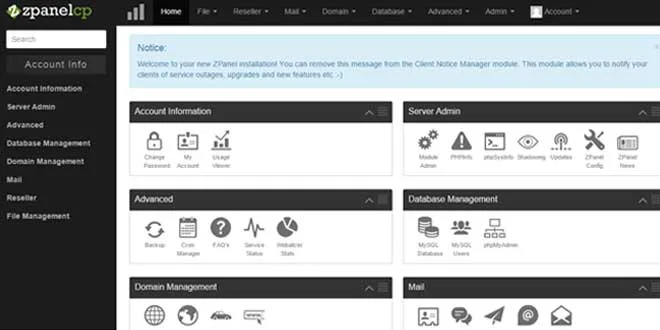
Zpanel is an open source Linux/Windows-based (in order to install it on Windows you need Apache, PHP, Mysql installed) control panel. This is alone kind of open source control panel of its kind with rich user interface. To install the Zpanel you need a freshly installed Centos (tested on centos particularly, also compatible with other […]
Read article
Full screen overlays navigation for Inspiration by Codrops Team
February 11, 2014•Durgesh Gupta•Tutorial

learn to create full screen overlay navigation

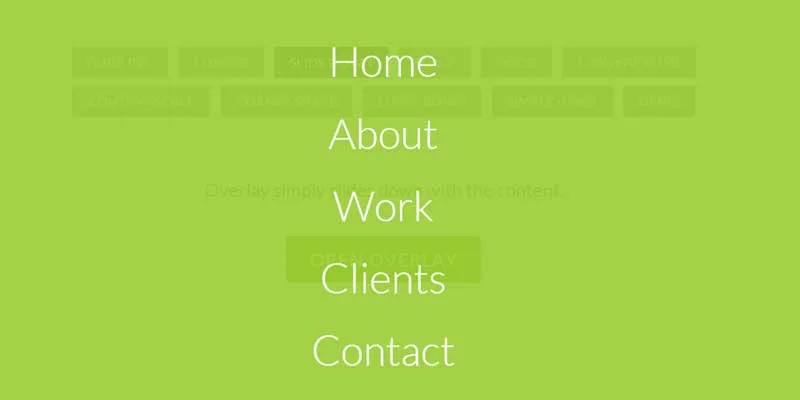
Codrops has just shared a very nice inspirational full screen overlay navigation built in CSS3 and HTML5. With the help of this beautiful tutorial you can learn to create full screen overlay navigation web page in CSS3 and HTML 5 by using variety of transition effects i.e. huge inc, corner, slide down, scale, door, content […]
Read article